
GMKtec M3 Mini PC
4.4Editor score
Core i5-12450H processor
1TB NVMe SSD included
Triple 4K display support
This guide compares the top Intel Core i5 Mini PC models for performance and value to help you choose the right compact desktop for your needs in 2026.
Finding the right compact computer can be challenging with so many options available today. Intel Core i5 Mini PC models offer a perfect balance of power and size for modern workspaces.
We evaluated ten leading models based on performance, connectivity, and build quality to create this definitive list. Each product brings unique strengths for business, home, or creative use cases.
Every pick below highlights specific advantages and considerations for potential buyers. Please note that product availability and costs may vary over time as markets shift.
4.4Editor score

4.5Editor score

4.2Editor score
This side-by-side comparison highlights the key specifications and unique attributes of each top rated Intel Core i5 Mini PC model available on the market today.



The ASUS NUC 13 pro stands out as the premier choice for professionals seeking reliability and speed in a compact form. Its 13th generation Intel Core i5 processor delivers exceptional multitasking capabilities that handle demanding workflows with ease.
We may earn a commission when you buy through this link, at no additional cost to you.
Featuring Thunderbolt 4 connectivity and dual HDMI 2.1 ports, this unit supports extensive peripheral setups. The included 16GB RAM and fast NVMe SSD ensure smooth operation for daily tasks without noticeable lag.
While the price reflects its premium tier status, the three-year global warranty and repairable design offer long-term value. The thermal management system keeps noise levels low even under heavy computational loads.
Businesses and power users alike will appreciate the advanced management capabilities and robust performance profile. This model is recommended for those who prioritize stability and connectivity options above all else.
The NUC Pro Software Suite ensures continuous operation for critical business applications requiring high availability.
Thunderbolt 4 ports enable fast data transfers and support for high-resolution external displays simultaneously.
We may earn a commission when you buy through this link, at no additional cost to you.
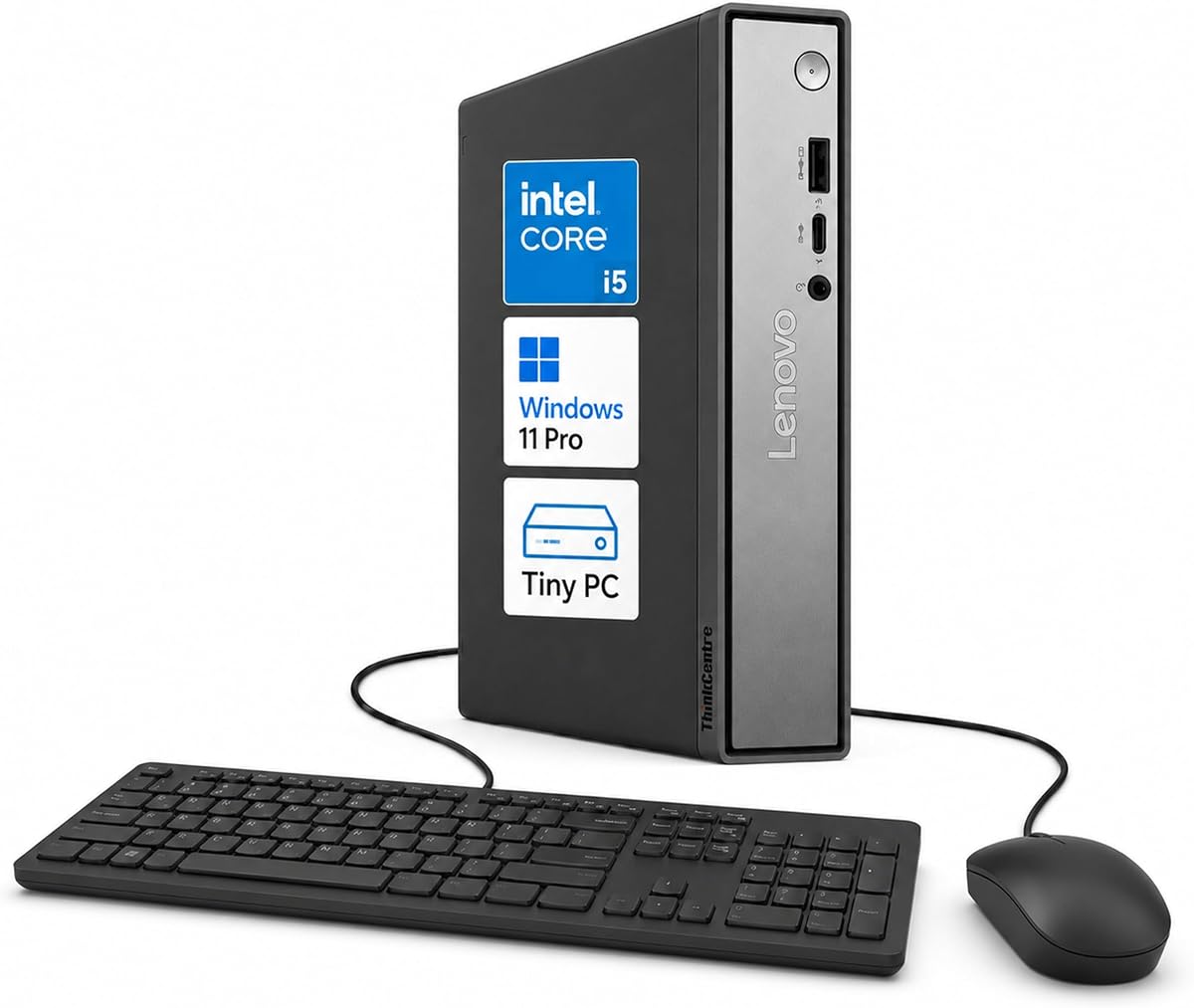
This Lenovo ThinkCentre model excels in office environments where efficiency and security are paramount. The integration of DDR5 memory provides noticeably faster data access speeds compared to older DDR4 systems found in many competitors.
We may earn a commission when you buy through this link, at no additional cost to you.
Its tiny 1L footprint allows for flexible placement options including VESA mounting behind monitors. The security features include TPM 2.0 which helps protect sensitive business data from unauthorized access or theft.
Users benefit from support for up to three independent displays which facilitates productive multi-window workflows. The system operates quietly making it suitable for shared workspaces or quiet home office settings.
Ideal for corporate deployments or home office professionals requiring a secure and efficient computing solution. This unit offers excellent value through its balance of modern hardware and reliable build quality.
Built-in TPM 2.0 and Kensington Security Slot protect hardware and data from physical and digital threats.
Compact design and multiple display ports allow for customized multi-monitor arrangements to boost productivity.
We may earn a commission when you buy through this link, at no additional cost to you.
The MINISFORUM NAB5R is engineered for users who need extensive screen real estate without compromising on processing power. It supports quad 4K displays making it a powerful tool for trading or video editing workflows.
We may earn a commission when you buy through this link, at no additional cost to you.
Powered by a 12-core processor this system handles heavy multitasking and background processes efficiently. The inclusion of dual 2.5G Ethernet ports is rare in this form factor and benefits network-intensive tasks.
Storage and memory are expandable allowing future-proofing for growing data needs. While the pre-installed IoT version of Windows provides stability it may differ slightly from standard consumer editions.
Recommended for technical users or professionals requiring advanced network and display capabilities. This model brings server-like connectivity options to a consumer-friendly desktop form factor.
Dual 2.5G Ethernet ports enable link aggregation for faster local file transfers or firewall setups.
Four independent 4K outputs allow for comprehensive data visualization and workflow management on one desk.
We may earn a commission when you buy through this link, at no additional cost to you.
This HP Mini PC delivers business-class performance suitable for enterprise deployments requiring stability. The Intel Q370 chipset ensures reliable operation under continuous usage typical of office environments.
We may earn a commission when you buy through this link, at no additional cost to you.
With dual DisplayPort outputs users can easily extend their workspace across two screens for enhanced productivity. The unit is small enough to mount behind monitors keeping desks tidy and professional looking.
Performance remains consistent for standard business applications and video conferencing. While the 256GB SSD is modest it boots quickly and runs applications smoothly for daily workloads.
A solid choice for organizations needing standardized reliable hardware at a reasonable price. This model prioritizes uptime and compatibility over cutting-edge features.
Business grade components ensure reliable performance for mission-critical workflows and daily tasks.
Compact dimensions allow for behind-monitor mounting to free up valuable desk space.
We may earn a commission when you buy through this link, at no additional cost to you.
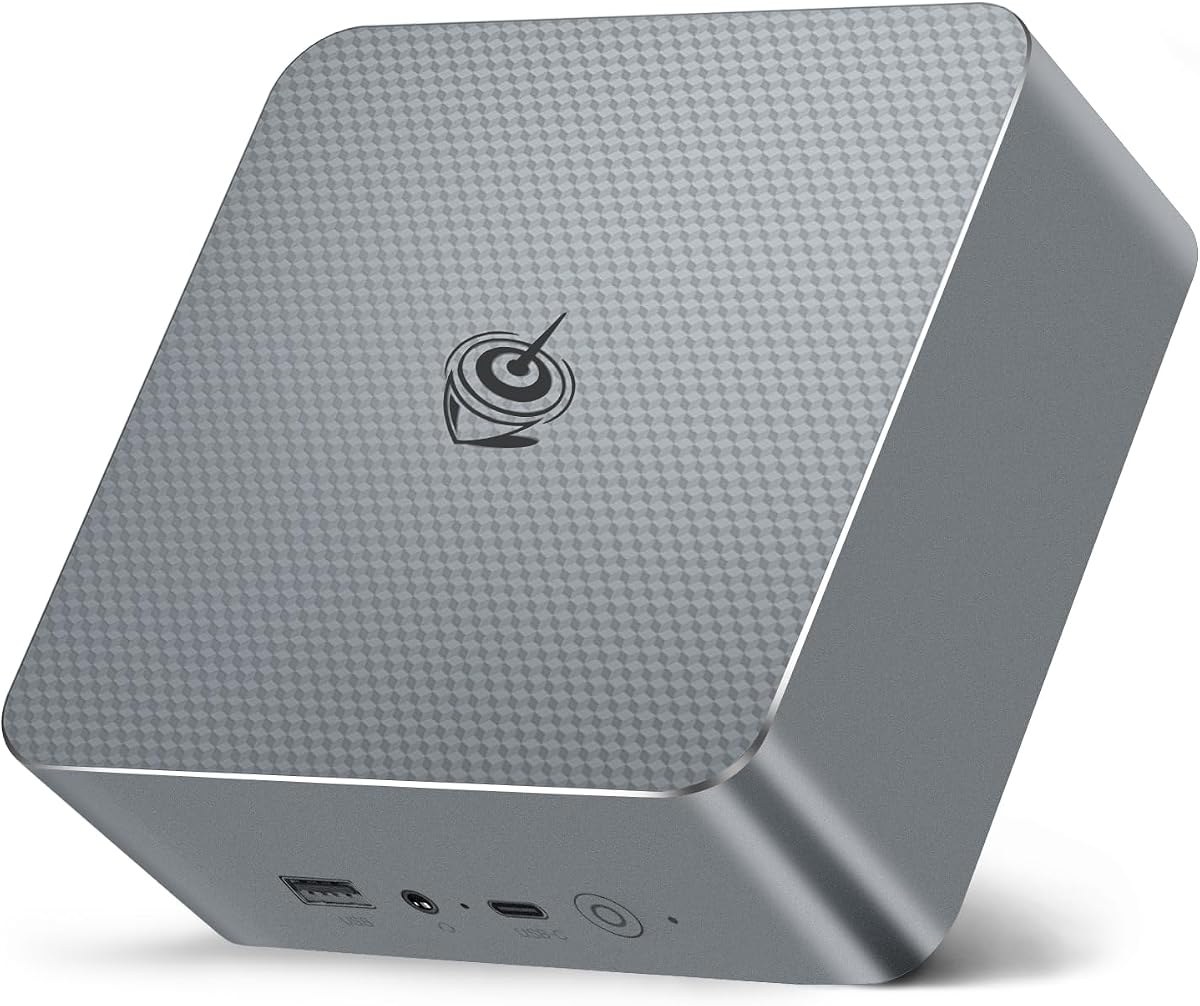
The GMKtec M3 offers exceptional value for users seeking high specifications without a premium price tag. It includes a generous 1TB NVMe SSD which is rare in this budget segment and provides ample space for data.
We may earn a commission when you buy through this link, at no additional cost to you.
Performance is driven by a capable Core i5 processor that handles daily tasks and light creative work effectively. The dual fan cooling system keeps temperatures managed even during extended usage sessions.
Support for three 4K screens allows for impressive multi-monitor setups without needing external adapters. While the brand is newer than legacy PC makers it has gained traction for quality budget solutions.
This unit is perfect for students or home users wanting performance storage at an affordable cost. It stands out as a strong contender in the entry-level market.
One terabyte of NVMe storage eliminates the need for external drives in most home use cases.
Support for three displays enables complex workflows at a price point competitors cannot match.
We may earn a commission when you buy through this link, at no additional cost to you.
This model combines the latest 14th generation hardware with enterprise-grade durability standards. DDR5 memory ensures faster data throughput which helps applications launch quickly and run smoothly.
We may earn a commission when you buy through this link, at no additional cost to you.
Built to withstand the rigors of corporate environments this unit offers robust security and management tools. The inclusion of AI-enhanced features prepares the system for future software requirements and efficiency gains.
While the price is higher than average the three-year warranty and build quality justify the investment for many users. It is designed to handle intensive daily use without degradation in performance.
Ideal for businesses requiring high reliability and future-proofing in their desktop fleet. This choice reflects a commitment to longevity and consistent performance over time.
Latest gen processor and DDR5 memory ensure the system remains relevant for longer periods.
Built to withstand the rigors of corporate environments with robust security tools.
We may earn a commission when you buy through this link, at no additional cost to you.
The KAMRUI Hyper H2 brings desktop-tier power to a tiny case that fits anywhere on a desk. Its 14th generation processor outperforms many previous generation desktop chips in sustained workloads.
We may earn a commission when you buy through this link, at no additional cost to you.
Designed for 24/7 usage this unit features a dual fan cooling system that prevents overheating. Triple 4K display support enables users to maintain extensive workspaces without clutter.
Storage speed and RAM capacity are balanced well for most professional and creative tasks. The connectivity options include USB ports that support fast data transfers for modern peripherals.
This model is highly recommended for users needing maximum performance in a small footprint. It delivers an impressive balance of speed and thermals for the price.
Dual fan cooling system prevents thermal throttling during long rendering or compute sessions.
Triple display outputs allow for extensive workflow setups with minimal physical desk space.
We may earn a commission when you buy through this link, at no additional cost to you.
As one of the original NUC designs this model brings heritage reliability to modern computing needs. Its graphics capabilities support 8K video output which is rare in this segment of mini PCs.
We may earn a commission when you buy through this link, at no additional cost to you.
The unit runs quietly and efficiently making it ideal for home theater setups or living rooms. It easily mounts behind monitors or TVs to eliminate desktop clutter and keep lines clean.
Business and home users benefit from the broad compatibility and strong warranty coverage provided. The hybrid architecture handles both high speed tasks and low power background processes seamlessly.
Best suited for multimedia enthusiasts and users needing a clean reliable PC interface. This model offers proven performance in a trusted form factor.
Support for 8K video and high fidelity audio outputs makes this perfect for home entertainment.
VESA mount compatibility allows hiding the PC behind screens for a clutter-free environment.
We may earn a commission when you buy through this link, at no additional cost to you.
The Beelink EQI13 features a unique built-in power supply that reduces cable clutter on desks. This design simplifies setup and improves reliability by eliminating external adapter failures.
We may earn a commission when you buy through this link, at no additional cost to you.
Its dual LAN ports provide network redundancy or segregation for users with specific security needs. The unit runs quietly most of the time ensuring it does not disturb nearby activities.
Performance is solid for general computing web browsing and media consumption. The inclusion of modern wireless standards ensures compatibility with the latest peripherals and networks.
Great for home office users who want simplicity and clean cabling without performance sacrifice. This model balances practical design with capable hardware effectively.
Built-in power supply eliminates the need for an external brick reducing cable clutter.
Dual 2.5G Ethernet ports allow for advanced networking setups like VLANs or backups.
We may earn a commission when you buy through this link, at no additional cost to you.
This renewed model offers an entry point into reliable mini PC computing at an accessible price. While the processor is older it still handles standard office work and web tasks comfortably.
We may earn a commission when you buy through this link, at no additional cost to you.
Being professionally renewed ensures the unit is tested for function and reliability before shipping. It provides a cost-effective solution for users needing basic computing power without large hardware costs.
Dual monitor support extends usability for productivity even on a tighter budget. The unit is small and versatile fitting easily into existing workstation configurations.
Recommended for budget-conscious buyers needing functional hardware for daily tasks. This model proves that quality computing does not always require the latest specs.
Renewed status lowers the barrier to entry for reliable enterprise-grade hardware.
Dual monitor support ensures productivity even with older generation components.
We may earn a commission when you buy through this link, at no additional cost to you.
Choosing the right Intel Core i5 Mini PC requires understanding your specific needs and how different features impact performance.
Look for recent 12th or 13th Gen Intel Core i5 processors which offer better efficiency and multitasking than older models.
Newer generations provide improved power management and faster processing speeds for everyday workloads.
Sixteen GB of RAM is the standard sweet spot for most users ensuring smooth browser tab and application switching.
If you run virtual machines or heavy editing software check for expandability to 32GB or more.
NVMe SSDs are significantly faster than traditional hard drives or SATA SSDs reducing boot times and app load.
Choose a model with at least 512GB storage if you need to keep files locally without constant external drives.
Check for USB-C Thunderbolt HDMI and Ethernet ports to match your peripherals and display needs.
Models with more USB ports save you from needing external hubs for connecting multiple devices.
If you work with multiple screens ensure the Mini PC supports the number and resolution of monitors you plan to use.
Look for systems that can drive dual or triple 4K displays for enhanced productivity.
Solid metal casings help dissipate heat better than plastic and often imply longer lifespan for the device.
A sturdy build ensures the unit remains reliable over years of daily use in varied environments.
Gigabit Ethernet and Wi-Fi 6 ensure stable and fast internet connectivity for modern applications.
For advanced users dual LAN ports offer redundancy or segmented network access options.
A solid warranty period provides peace of mind against manufacturing defects or failures.
Check if the vendor offers technical support and easy access to replacement parts if needed.
Place your Mini PC in a well ventilated area away from walls or furniture to allow airflow and prevent overheating.
Regularly update your operating system and drivers to maintain security and ensure compatibility with new software.
Keep the unit clean by gently dusting the vents with compressed air to maintain cooling efficiency over time.
Yes they are excellent for office environments offering quiet operation and sufficient power for productivity tools. Most models support multiple monitors and include robust security features required by businesses.
Many models allow upgrades to RAM and storage via accessible slots but some use soldered components. Check specific product details before purchasing to ensure future expansion is possible for your needs.
No they typically ship with just the PC and power adapter. You will need to connect your own keyboard and mouse using USB or Bluetooth connections to control the system.
Most business-class units include Windows 11 Pro preinstalled but some consumer models may have Home editions. Verify the operating system version in the product specifications before buying to match your needs.
Depending on the model you can connect two to four monitors using HDMI and DisplayPort ports. Look for systems with multiple video output options if you need a large workspace.
Yes they support Bluetooth and Wi-Fi for connecting wireless mice keyboards and headphones easily. This reduces cable clutter on desks and simplifies your setup significantly.
They handle photo editing and basic video tasks well thanks to integrated graphics. For heavy 3D rendering you may need a desktop with a dedicated graphics card for best results.
Most models operate quietly at low volumes suitable for office or home environments. High performance units may have more audible fans under heavy load but are generally silent during daily tasks.
We have reviewed ten top models ranging from budget friendly options to premium business solutions that meet diverse computing needs.
Prioritize processor generation and port selection to ensure the system lasts and fits your workflow without requiring external adapters.
Always verify current availability and specs on the vendor page as inventory and details may change without prior notice.