
TP-Link TL-SG105
4.7Editor score
Five gigabit ports
Plug and play setup
Metal casing design
This guide compares the top Eero Ethernet switch options for home networks, evaluating speed, PoE support, and compatibility to help you choose the best wired
Choosing the right Ethernet switch for your Eero system is crucial for maximizing wired performance. A good switch expands your network ports reliably, supports high speeds, and integrates seamlessly with your existing mesh setup.
We evaluated ten top-rated switches based on speed, port count, PoE capability, and user feedback. Each option was assessed for compatibility with Eero hardware, ease of setup, and overall network stability.
Each pick highlights key strengths, trade-offs, and ideal use cases to help you find the best fit. Prices and availability change frequently, so verify details before purchasing to ensure you get the latest model.
4.7Editor score

4.8Editor score

4.4Editor score
This side-by-side comparison highlights the key specifications and capabilities of each switch to help you quickly identify the best fit for your network expansion needs.



The Amazon eero PoE Gateway is a powerful all-in-one solution for expanding Eero networks with wired and PoE capabilities. It holds a 4.4 rating and offers robust features for high-demand setups.
We may earn a commission when you buy through this link, at no additional cost to you.
Its two 10 GbE ports deliver speeds up to 9.4 Gbps, making it ideal for multi-gigabit internet plans. The eight 2.5 GbE PoE ports provide pooled power for up to eight PoE access points, reducing cable clutter.
The main trade-off is the cost and the reliance on the eero ecosystem. However, for users invested in eero, the integration and automation benefits often justify the investment.
This gateway is best for homes or small businesses needing extensive PoE coverage and high wired speeds. It delivers a streamlined network management experience through the eero app.
With two 10 GbE ports, this device supports wired speeds up to 9.4 Gbps, ideal for NAS or servers needing fast access.
The built-in PoE switch provides up to 100W of pooled power, simplifying installations for multiple access points without extra injectors.
We may earn a commission when you buy through this link, at no additional cost to you.
The TP-Link TL-SG105 is an affordable unmanaged switch that expands your eero network with five gigabit ports. It holds a 4.7 rating for reliability and ease of use.
We may earn a commission when you buy through this link, at no additional cost to you.
Its fanless metal design ensures quiet operation and durability. Auto-negotiation adjusts speeds per device, and traffic optimization prioritizes critical data for smooth streaming.
The limitation is the lack of PoE and only five ports. For basic wired expansion without power needs, it remains a top value choice.
This switch is perfect for small setups needing extra wired connections. It offers plug-and-play simplicity without sacrificing performance or build quality.
At a budget-friendly price, this switch adds five gigabit ports effortlessly, making it ideal for casual users needing more wired access.
The metal casing ensures durability, while the fanless design keeps operation silent, fitting any home office or living room.
We may earn a commission when you buy through this link, at no additional cost to you.
The NETGEAR 8 Port PoE Gigabit Ethernet Easy Smart Managed Switch offers a balanced mix of power and features. With a 4.8 rating, it excels in managed networking for small environments.
We may earn a commission when you buy through this link, at no additional cost to you.
Eight PoE+ ports provide up to 62W total power, suitable for several access points. The Easy Smart interface simplifies VLANs and QoS setup without complex networking knowledge.
The PoE budget may not support larger setups. Still, for mid-size needs requiring basic management, it delivers excellent value and performance.
This switch is ideal for small offices or homes needing PoE. It offers robust managed features at an accessible price point.
The intuitive software interface allows easy VLAN and QoS configuration, giving you control over traffic without enterprise complexity.
With 62W total power budget across eight ports, it supports multiple PoE devices like cameras or access points efficiently.
We may earn a commission when you buy through this link, at no additional cost to you.
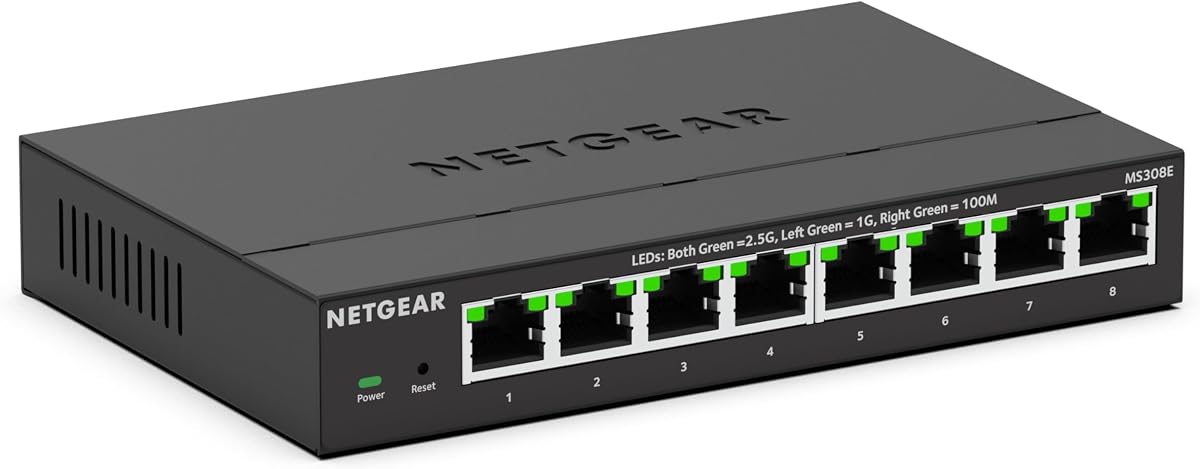
The NETGEAR 8-Port 2.5G Multi-Gig Ethernet Easy Smart Managed Switch supports speeds up to 2.5Gbps per port. It holds a 4.3 rating and is designed for future-proofed networks.
We may earn a commission when you buy through this link, at no additional cost to you.
Its 2.5Gbps ports connect well with high-end devices needing more than 1Gbps. The managed interface helps prioritize traffic for smooth performance.
Users must have compatible hardware to utilize full speeds. If your network supports 2.5Gbps, this switch is a strong upgrade path.
This model suits users needing faster than Gigabit speeds. It offers managed flexibility for modern multi-gigabit home networks.
Eight 2.5Gbps ports enable faster data transfers and support for next-gen internet plans without overhauling your entire setup.
Easy Smart Managed capabilities let you configure VLANs and QoS, optimizing network traffic for critical applications.
We may earn a commission when you buy through this link, at no additional cost to you.
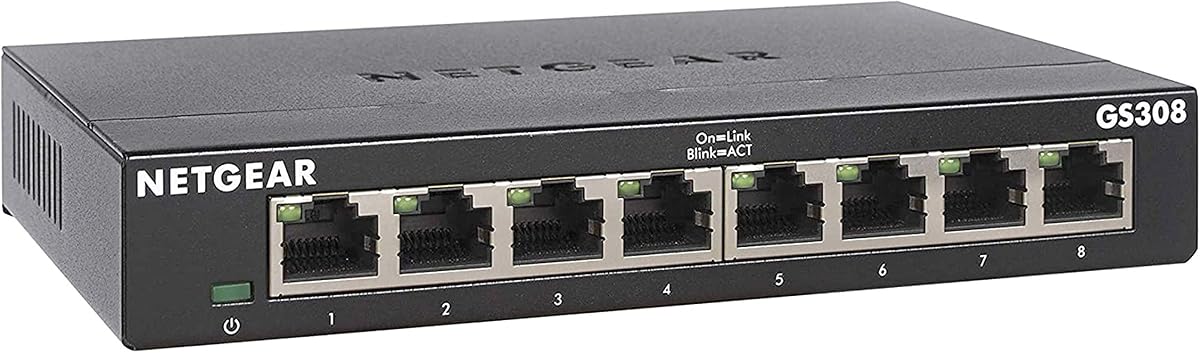
The NETGEAR 8-Port Gigabit Ethernet Unmanaged Network Switch delivers eight reliable Gigabit ports. With a 4.8 rating, it is trusted for simple, effective wired expansion.
We may earn a commission when you buy through this link, at no additional cost to you.
Its plug-and-play setup requires no configuration, making it ideal for users wanting simplicity. Auto-negotiation ensures optimal speeds across connected devices.
The lack of management features means less control over traffic. For most homes, this simplicity is a benefit rather than a drawback.
This switch is perfect for general home or small office use. It offers eight ports at an accessible price with proven performance.
No software or configuration is needed; just connect your devices and start using the network immediately without technical hurdles.
With eight Gigabit ports, you can connect multiple devices like PCs, consoles, and TVs without requiring additional switches.
We may earn a commission when you buy through this link, at no additional cost to you.
The NETGEAR 5-Port Gigabit Ethernet Easy Smart Managed Network Switch offers five ports with basic management tools. It holds a 4.7 rating and suits small setups needing simple traffic control.
We may earn a commission when you buy through this link, at no additional cost to you.
The Easy Smart interface allows VLANs and QoS configuration, which is rare at this scale. Its metal casing ensures durability and quiet operation.
The limited port count may require additional units for larger needs. However, for small environments, it provides a compact, smart solution.
This switch fits small offices or homes needing managed options. It balances simplicity with enough features to optimize performance.
Five ports combined with managed features make this switch ideal for small networks needing some control without complexity.
The fanless metal casing reduces power usage and noise, ensuring silent and efficient performance in living spaces.
We may earn a commission when you buy through this link, at no additional cost to you.
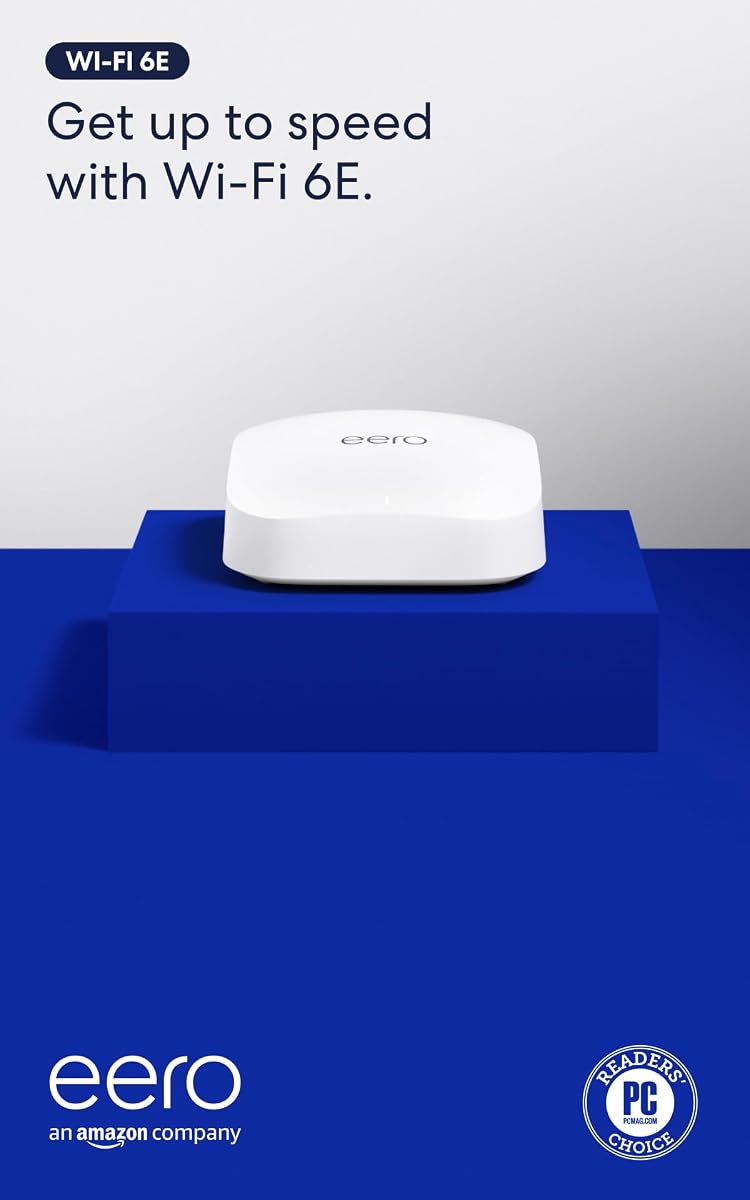
The Amazon eero Pro 6E is a mesh router that includes a 2.5 GbE Ethernet port for wired connections. It holds a 4.3 rating and provides robust Wi-Fi 6E performance.
We may earn a commission when you buy through this link, at no additional cost to you.
Its 2.5 GbE port supports high-speed internet plans and wired backhaul. TrueMesh technology ensures reliable coverage up to 2,000 sq ft.
While it has an Ethernet port, it is not a switch and offers only one wired connection. This limits wired expansion unless paired with a switch.
This router suits homes wanting Wi-Fi 6E with wired support. It is best as a gateway, but may need a switch for multiple wired devices.
Direct access to the 6 GHz band reduces latency and interference, improving performance for high-demand tasks and devices.
Patented TrueMesh intelligently routes traffic, reducing dead spots and ensuring consistent speeds across your home network.
We may earn a commission when you buy through this link, at no additional cost to you.
The Amazon eero 6 is a Wi-Fi 6 mesh router with one Gigabit Ethernet port. It holds a 4.4 rating and provides reliable coverage for smaller homes.
We may earn a commission when you buy through this link, at no additional cost to you.
Its Ethernet port supports up to 900 Mbps internet plans. The built-in Zigbee hub eliminates the need for separate smart home devices.
The single port limits wired connectivity. To expand wired devices, you must pair this router with an external Ethernet switch.
This model is great for budget-conscious eero users. It combines wireless performance with smart home integration but needs a switch for more wired access.
The built-in Zigbee hub connects compatible devices directly, reducing clutter by removing the need for separate smart home hubs.
Supports Wi-Fi 6 speeds and multiple devices, ensuring smooth streaming and browsing across your connected home environment.
We may earn a commission when you buy through this link, at no additional cost to you.
The Amazon eero PoE 7 is a Wi-Fi 7 access point with built-in PoE and 10 GbE ports. It holds a 4.1 rating and delivers future-ready connectivity.
We may earn a commission when you buy through this link, at no additional cost to you.
Its 10 GbE PoE+ ports support wired speeds and power delivery. Wi-Fi 7 speeds reach up to 3.9 Gbps with tri-band performance.
This device is primarily for wireless access, not switching. However, its PoE capabilities make it useful in PoE networks.
This access point suits high-performance setups needing Wi-Fi 7. It offers PoE convenience but requires additional switches for wired expansion.
Tri-band Wi-Fi 7 offers wireless speeds up to 3.9 Gbps, enabling smooth performance for data-intensive workflows and video.
The 10 GbE PoE+ port delivers power to connected devices, simplifying mounting without separate power cables.
We may earn a commission when you buy through this link, at no additional cost to you.
The Amazon eero 7 is a Wi-Fi 7 mesh router with two 2.5 GbE ports. It holds a 4.4 rating and offers an affordable entry into Wi-Fi 7.
We may earn a commission when you buy through this link, at no additional cost to you.
Its two 2.5 GbE ports allow direct connection to high-speed devices. Wi-Fi 7 dual-band speeds reach up to 1.8 Gbps.
The two ports are useful but still limited for multiple wired devices. Pairing with a switch expands connectivity further.
This model is ideal for Wi-Fi 7 adoption. It offers dual wired ports, but for many wired devices, an external switch is needed.
Two 2.5 GbE ports enable direct high-speed wired access for two devices, such as a PC and console simultaneously.
Wi-Fi 7 features like MLO provide faster, more stable wireless connections, reducing interruptions and improving throughput.
We may earn a commission when you buy through this link, at no additional cost to you.
Selecting the right Ethernet switch involves understanding your network needs, speed requirements, and whether PoE support is necessary.
Port count determines how many devices you can connect via Ethernet. If you have multiple PCs, TVs, or consoles, an 8-port switch offers flexibility. Speeds vary from Gigabit to Multi-Gigabit. For standard internet plans, Gigabit (1 Gbps) is sufficient. For fiber or multi-gigabit plans, ensure the switch supports 2.5 Gbps or higher.
Choose enough ports to accommodate current and future devices. Match switch speed to your internet plan and device capabilities to avoid bottlenecks.
PoE allows the switch to deliver power to compatible devices like access points or cameras through Ethernet cables. This reduces the need for power outlets near each device. If you plan to deploy multiple eero PoE points or IP cameras, a PoE switch is essential.
Confirm the total PoE power budget meets your device needs. Each device has a power class, so sum their requirements to ensure the switch can handle the load.
Unmanaged switches are plug-and-play with no configuration needed. They are ideal for simple home setups. Managed switches offer control over traffic, VLANs, and prioritization via software. These benefit users needing network segmentation or traffic optimization.
If you only need extra ports, an unmanaged switch is easier. If you need advanced features like VLANs or QoS, opt for a managed option.
Look for durable metal casings that resist heat and physical wear. Fanless designs ensure silent operation, which is important for living spaces. Mounting options like desktop or wall-mount allow flexible placement to fit your environment.
Prioritize metal build and fanless operation for reliability and noise. Consider mounting options to keep the switch organized and out of the way.
Energy-efficient switches adjust power based on connected device activity, reducing consumption and heat. This can lower electricity costs and extend device lifespan. Look for IEEE 802.3az compliance for efficient operation.
Choose switches with energy-saving features to reduce power usage. This is especially beneficial for switches running 24/7 in network closets.
For eero users, ensure the switch does not interfere with mesh routing. Some eero products like the PoE Gateway integrate directly. Others may require a bridge setup. The eero app supports basic network management across compatible hardware.
Select switches that complement your eero setup. Check for known compatibility issues and prefer models that integrate well with eero's networking protocols.
Investing in Multi-Gigabit ports or higher PoE budgets can future-proof your network. Internet speeds are increasing, and newer devices may require faster connections. A switch that exceeds current needs ensures longevity.
Opt for switches with slightly higher specs than your current needs. This allows for upgrades without replacing hardware when new devices or faster internet arrive.
Trusted brands like NETGEAR and TP-Link offer better support and reliability. Warranty lengths typically range from 1 to 3 years, providing peace of mind. Check customer reviews for real-world durability.
Select established brands with solid warranties. This ensures access to technical support and replacement if issues arise, protecting your investment.
Begin by connecting the switch to your modem or eero gateway using an Ethernet cable. Ensure the switch is powered on and placed in a well-ventilated area to prevent overheating.
Plug your wired devices into the available ports. Most switches will auto-detect speeds and establish connections automatically without configuration needed.
Maintain the switch by keeping it dust-free and avoiding physical shocks. Restart it occasionally to refresh connections and update firmware if supported.
No, a switch expands wired connections without negatively impacting Wi-Fi. It offloads traffic from wireless devices. Ensure your eero gateway connects to the switch properly to maintain mesh stability.
No, eero PoE points require a switch that supports PoE and provides enough power. An unmanaged switch can only handle data, not power delivery.
Cat5e or Cat6 cables work for Gigabit and 2.5Gbps speeds. Ensure cables are undamaged and properly terminated to maintain performance.
If your eero gateway has enough Ethernet ports, you may not need one. For extra wired devices, a switch is necessary to extend connectivity.
Use the switch's management interface to set QoS rules. This allows you to assign priority to specific devices or traffic types like video calls.
Yes, PoE switches generally cost more due to power delivery capabilities. However, they save money by eliminating separate power injectors for devices.
The top picks include the NETGEAR 8 Port PoE Switch for managed flexibility and the TP-Link TL-SG105 for budget-friendly expansion. Each option balances speed, port count, and PoE needs effectively.
Prioritize the number of ports and whether you need PoE for access points. Also consider if managed features are necessary for traffic control in your setup.
Always check current prices and availability before purchasing to ensure you receive the latest model with the best warranty and support.